
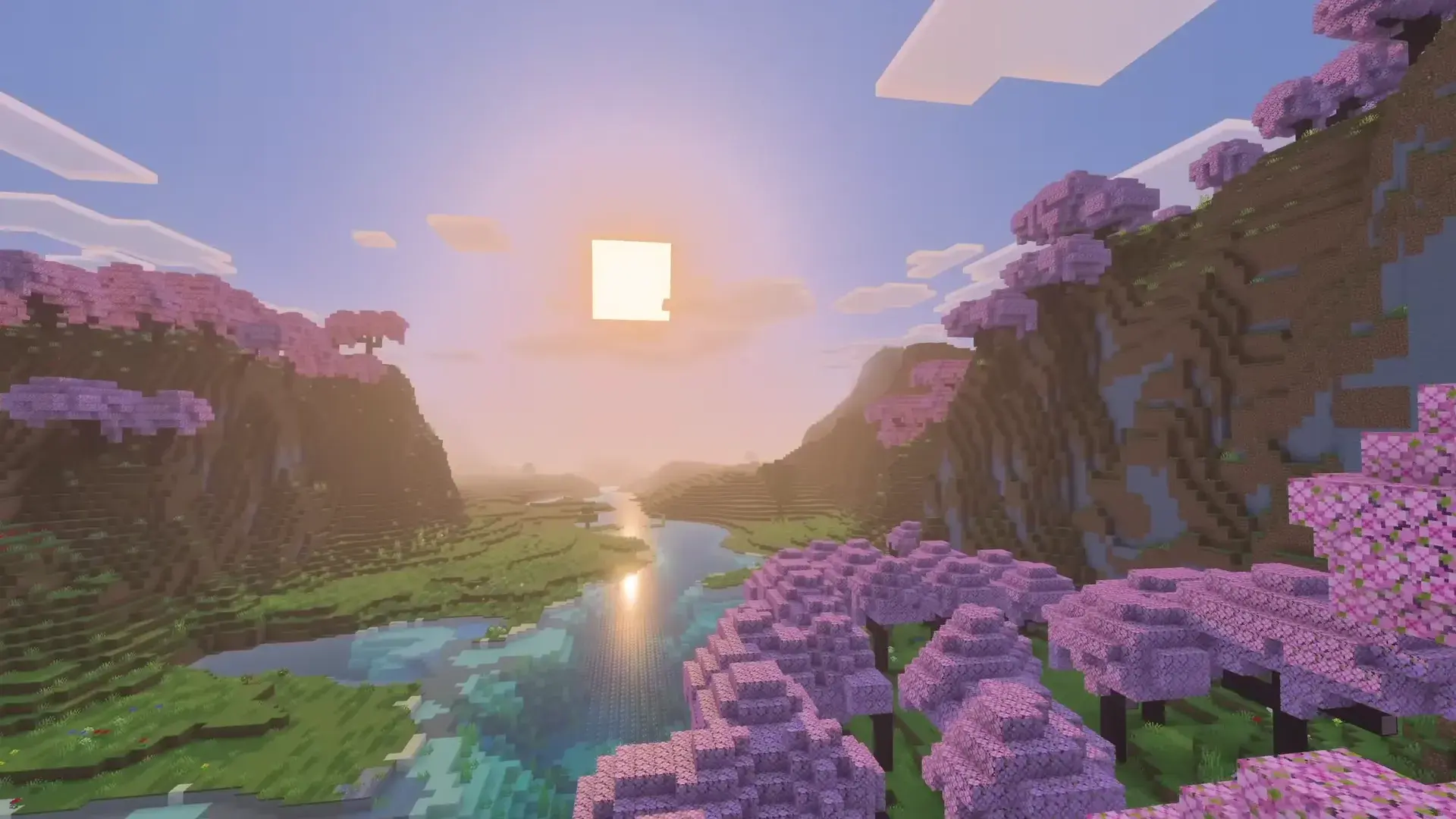

The Minecraft Companion App
An advancement tracker that reads your single-player saves, an Enchant Planner that never hits Too Expensive!, a Crafting Planner and waypoints, with your live coordinates and biome in an in-game Companion.
- Free forever
- Windows 10+
- 80MB
- Uninstall anytime
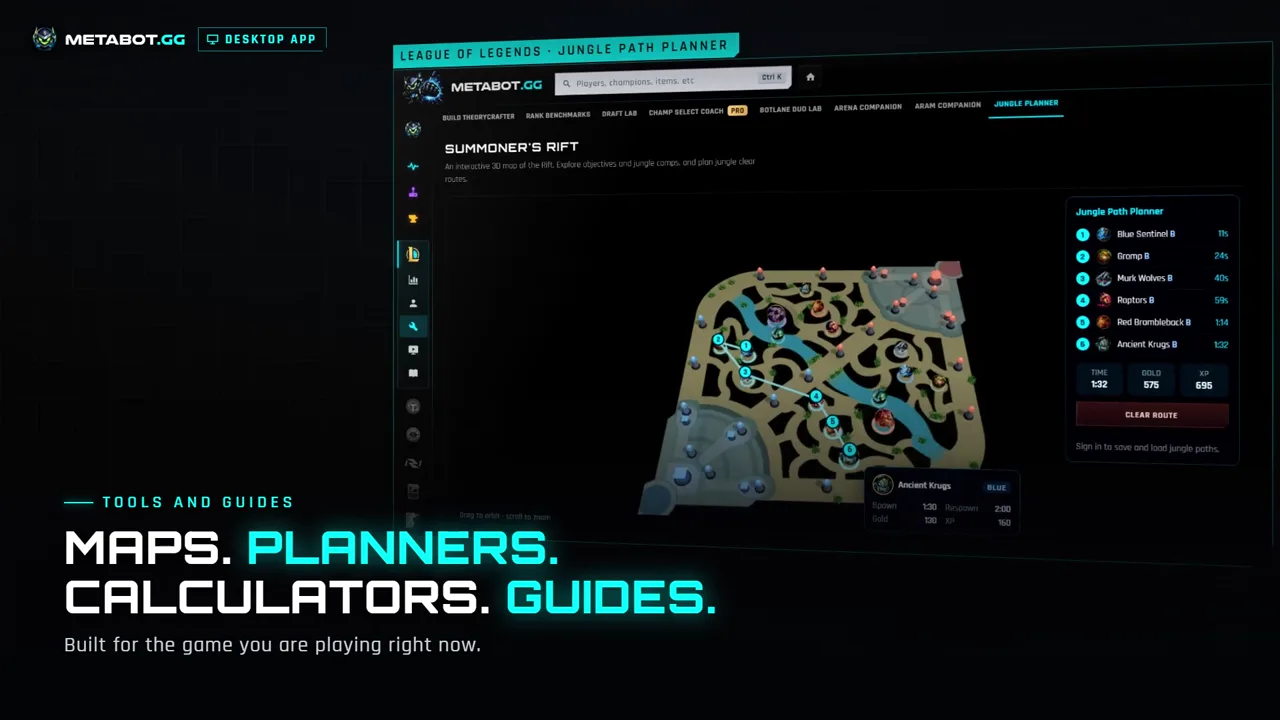
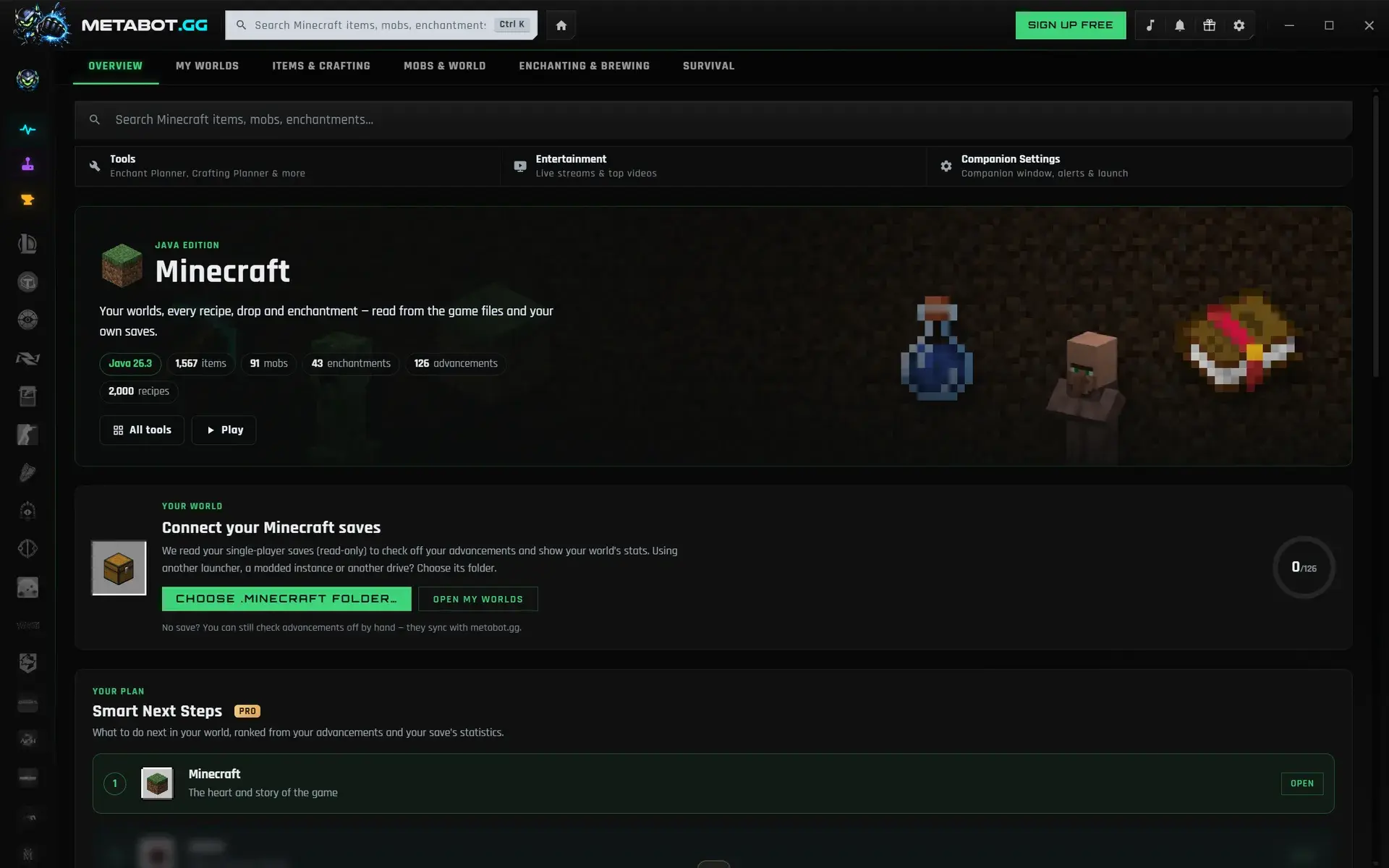
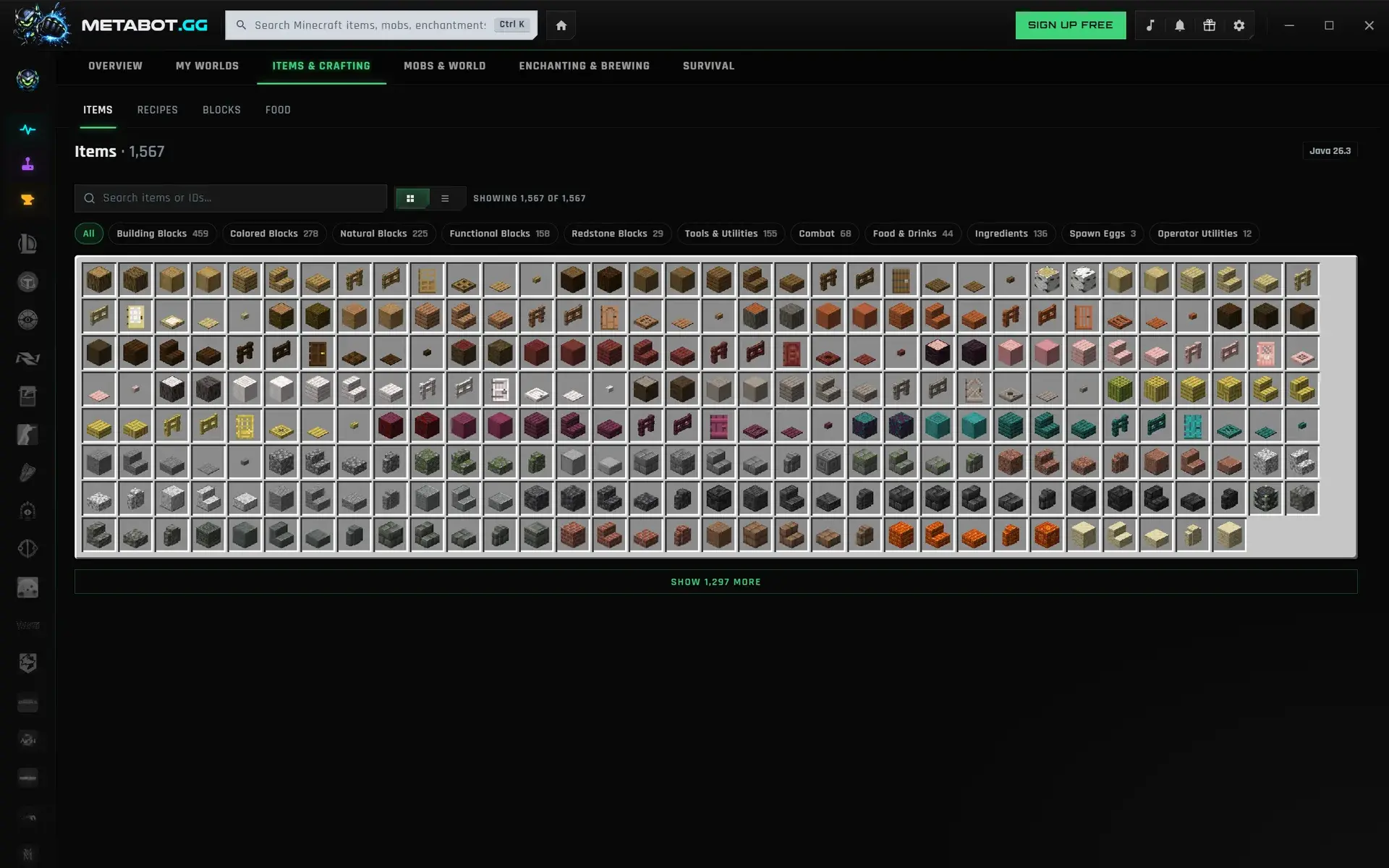


Minecraft overviewCrafting PlannerEnchant PlannerYour coordinates and biome beside the gameNever hit Too Expensive! againTake This Guide Into Your Next SessionPlan your crafts beside the gameYour whole Minecraft world in one appSave your portals as waypointsTrack your advancements automatically
Is the Minecraft companion app free?
Yes. The download, the advancement tracker, the Crafting and Enchant Planners, waypoints and the in-game Companion are free. MetaBot Pro adds extras such as the Live Waypoint Compass, the World Report and unlimited saved plans.
Is MetaBot Desktop safe to use with Minecraft?
Yes. It runs as a separate window, only reads your save files and never changes your worlds or the game. The in-game Companion is its own small window beside the game, not a mod.
Minecraft features
An advancement tracker that reads your saves, enchant and crafting planners, waypoints, and a companion window with your live coordinates. One free app.
Maps and database
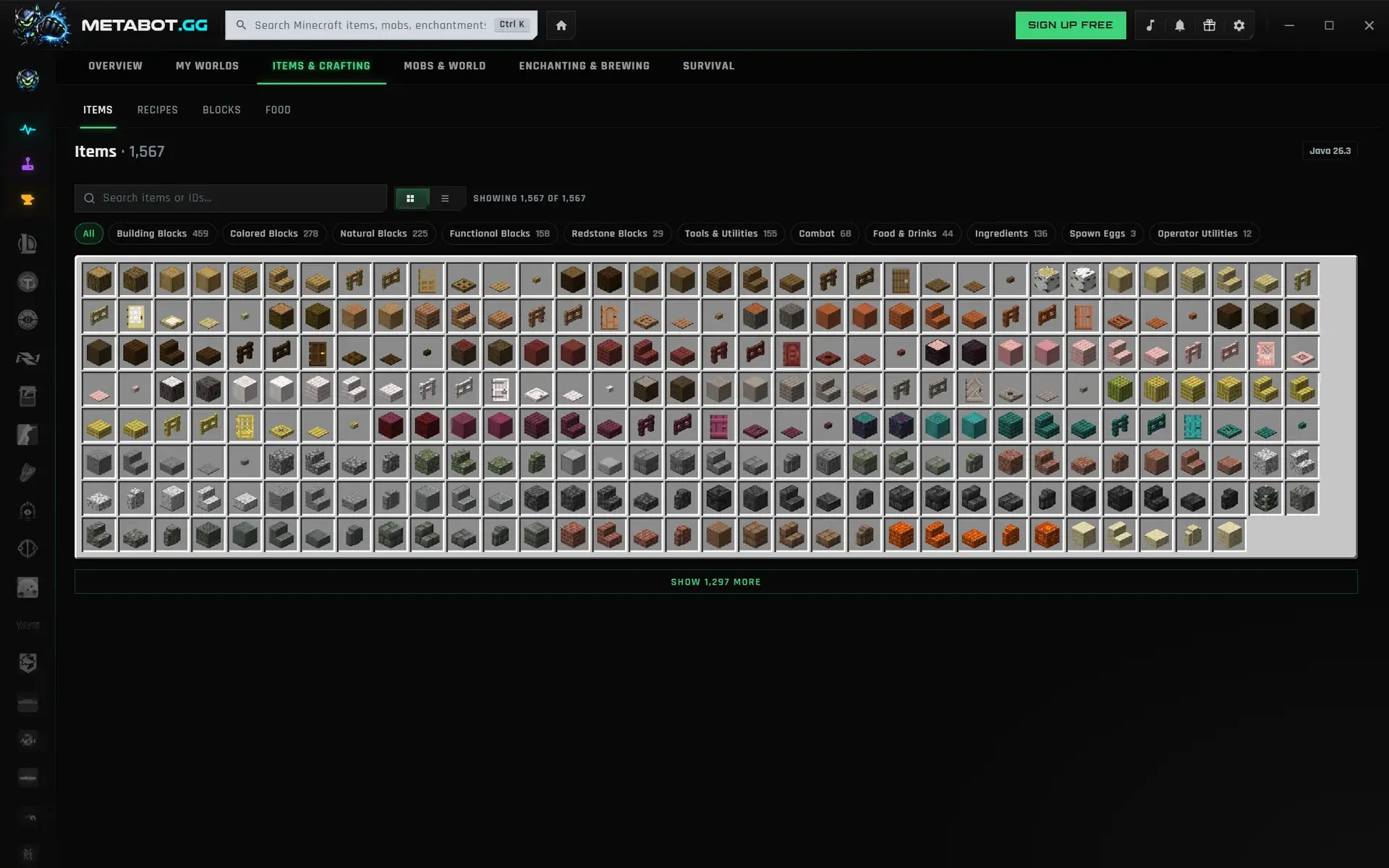
Crafting Planner
Every item and recipe from the game files. Add what you want to craft and see every raw material you need, saved as a shopping list.
Planners and calculators
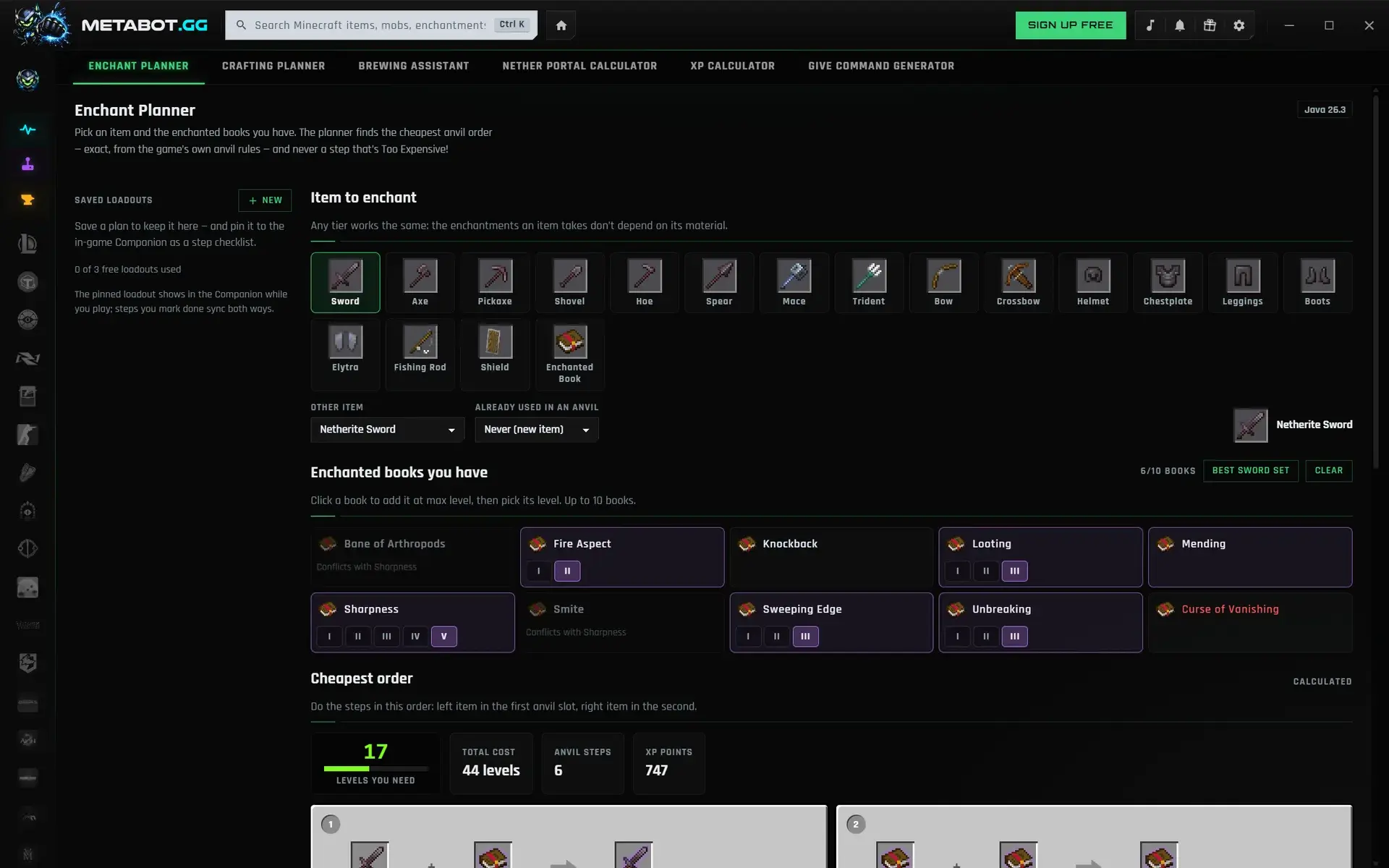
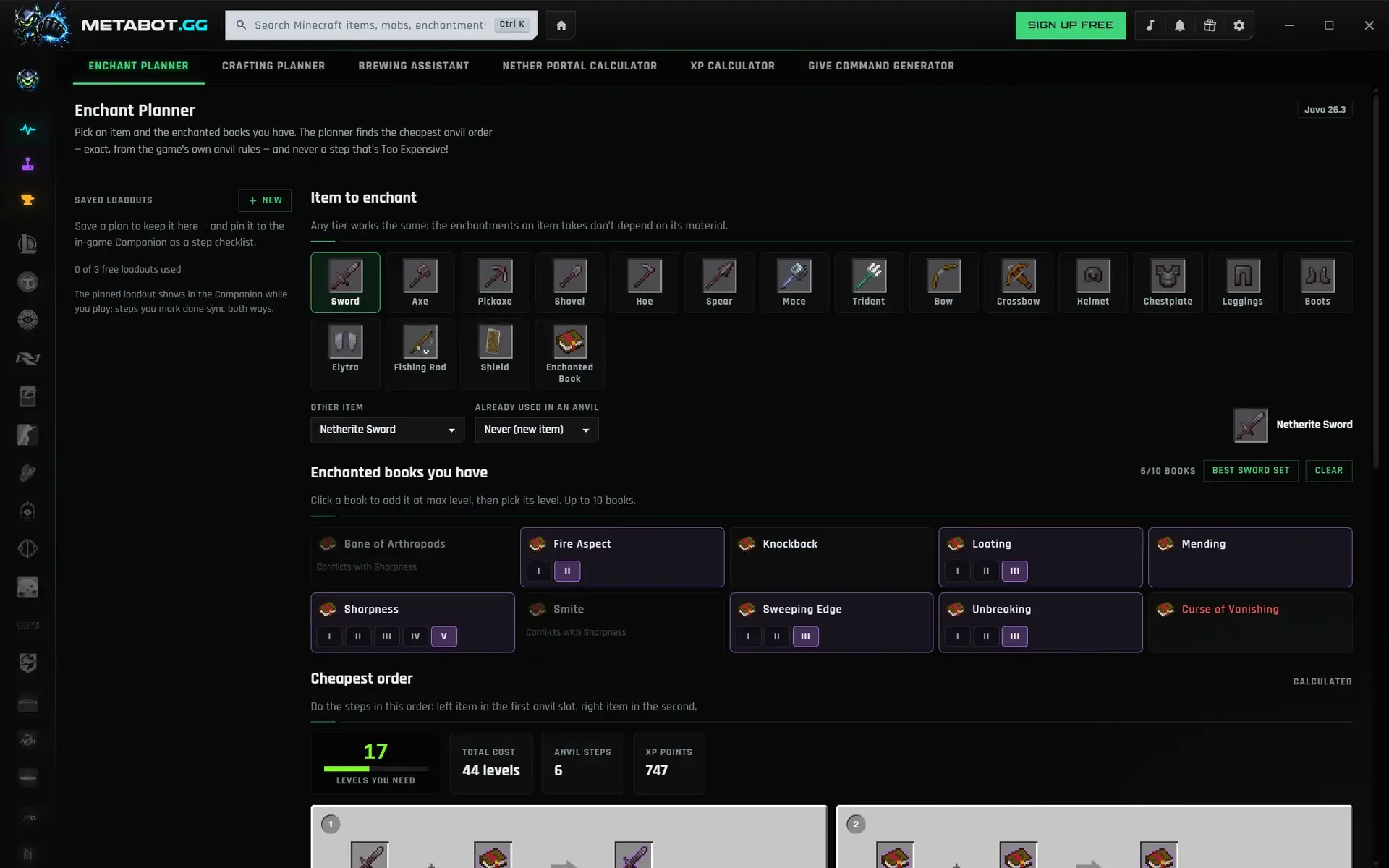
Enchant Planner
The cheapest anvil order for your enchanted books under Java Edition’s rules, with no step ever Too Expensive!
Get the Winning Edge
Real-time overlays, automatic match tracking, and exclusive tools — everything you need to climb, free on your PC.
- In-game overlays
- Automatic match tracking
- Desktop-exclusive tools
Help us maintain accuracy! If you notice incorrect stats, missing data, or any issues, your feedback directly improves the quality of our data for the entire community.
Minecraft desktop app FAQ
Is the Minecraft companion app free?
Yes. The download, the advancement tracker, the Crafting and Enchant Planners, waypoints and the in-game Companion are free. MetaBot Pro adds extras such as the Live Waypoint Compass, the World Report and unlimited saved plans.
Is MetaBot Desktop safe to use with Minecraft?
Yes. It runs as a separate window, only reads your save files and never changes your worlds or the game. The in-game Companion is its own small window beside the game, not a mod.
How does the advancement tracker read my world?
Pick a single-player world in My Worlds and the app reads its advancement progress straight from the save on your PC, with nothing to import. Your progress syncs to your MetaBot account and shows on the MetaBot.GG advancements checklist too.
Does the Enchant Planner avoid Too Expensive!?
Yes. Pick an item and the enchanted books you have: the planner tries every anvil order under Java Edition’s rules, prior work penalty included, and shows the cheapest one where no step costs 40 levels or more.
Does it work on a second monitor?
Yes. Keep the app on a second monitor, or use the in-game Companion beside the game on a single screen.
Also on MetaBot Desktop
 LoL Overlay App
 TFT Overlay App
 Valorant Tracker App
 Deadlock Match Tracker & Second Screen
 Marvel Rivals Tracker App
 AION 2 Companion App
 Aniimo Companion App & Map
 Permafrost Companion App
 SPAM Companion App
 Valor Mortis Companion App
 Enshrouded Companion App
 Phantom Blade Zero Companion App
 Path of Exile 2 Companion App
 Minecraft Dungeons II Build Planner App
 WARDOGS TTK Calculator & Loadout App
 Valheim Companion App
 Palworld Breeding Calculator & Map App
 Slay the Spire 2 Run Tracker
 CS2 Match Tracker & Maps App
 Dragonwilds Map & Companion App
 Dark and Darker Map App
 Dawnwalker Map & Build Planner App
 MARVEL Tōkon Combo & Team Builder App
 WoW Forever Companion App
Ready to level up your Minecraft games?
Free forever. Installs in about two minutes. Works with your MetaBot.GG profile.
Free forever · Windows 10+ · 80MB · Uninstall anytime