

- Win Rate
- 50.8%
- Pick Rate
- 0.3%
- KDA
- 1.72
Harbor Lineups on Split
- Patch
- 13.10
- Matches Analyzed
- 317
- Region
- All Regions
- Rank
- All Ranks
- Platform
- All Platforms
- Mode
- Competitive
- Last Updated
- Nov 25, 2026 UTC
- Author
- Dakota Chinnick
- Methodology
- Data Methodology
7 Harbor lineups on Split for A Site and B Site: 4 post-plant throws from the attacking side and 3 retake throws from the defending side. Each one shows the standing spot, crosshair aim and where it lands.
Harbor Lineups on Split
A Site Lineups
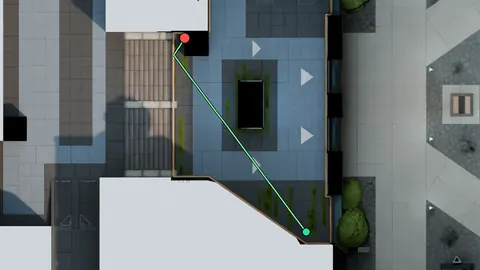
4 Harbor lineups for Split's A site: 2 from the attacking side and 2 from the defending side. Numbers on the minimap match the cards below.
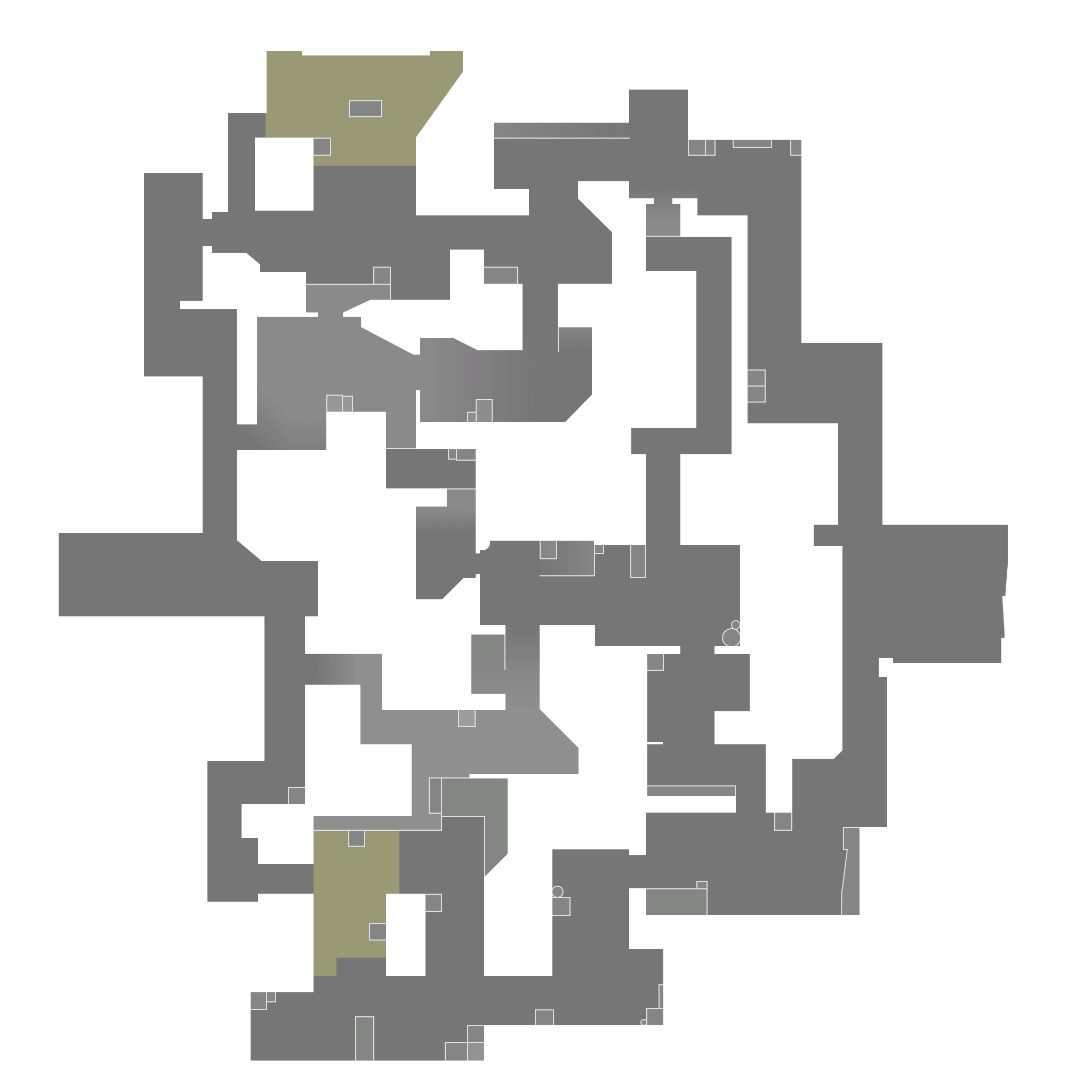

A Default
Storm Surge · from A Site
- StandStand at A Site on the spot shown in the standing screenshot.
- AimAim 8° up and match your crosshair to the aim screenshot.
- ThrowLeft-click to throw Storm Surge overhand.
- LandIt bounces twice and lands on A Default.
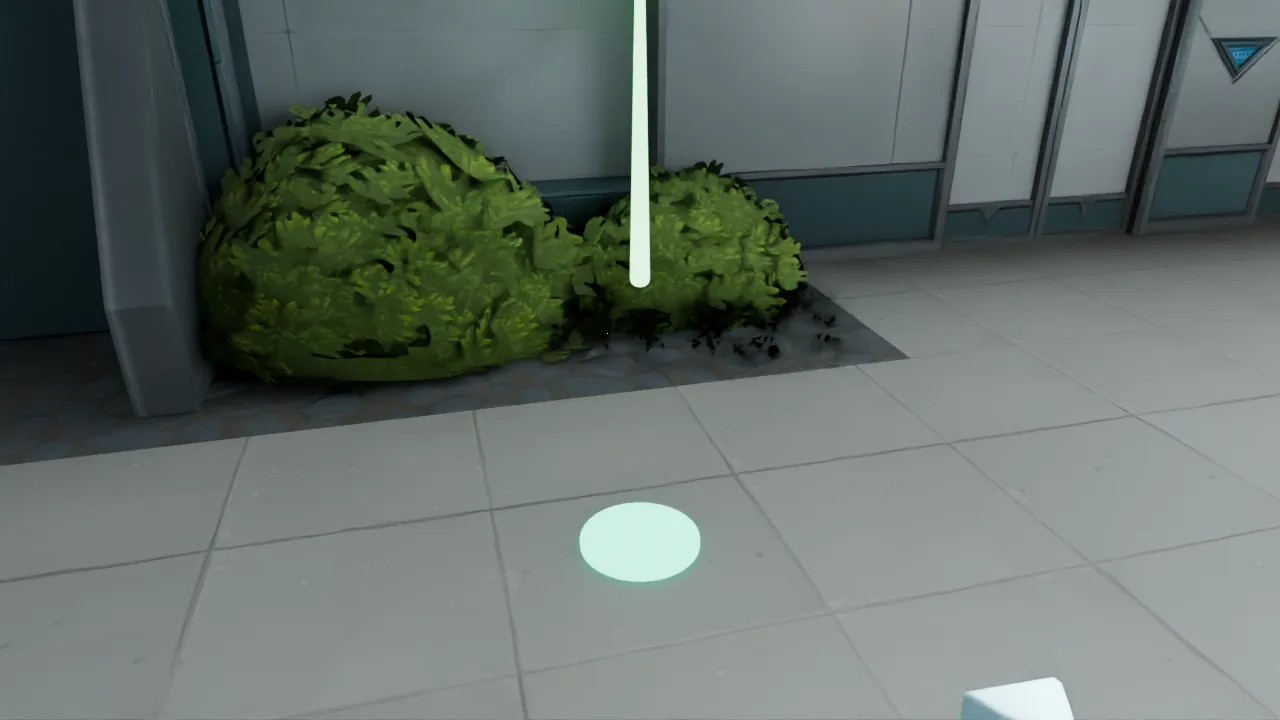
1. A Default · Storm SurgeClose 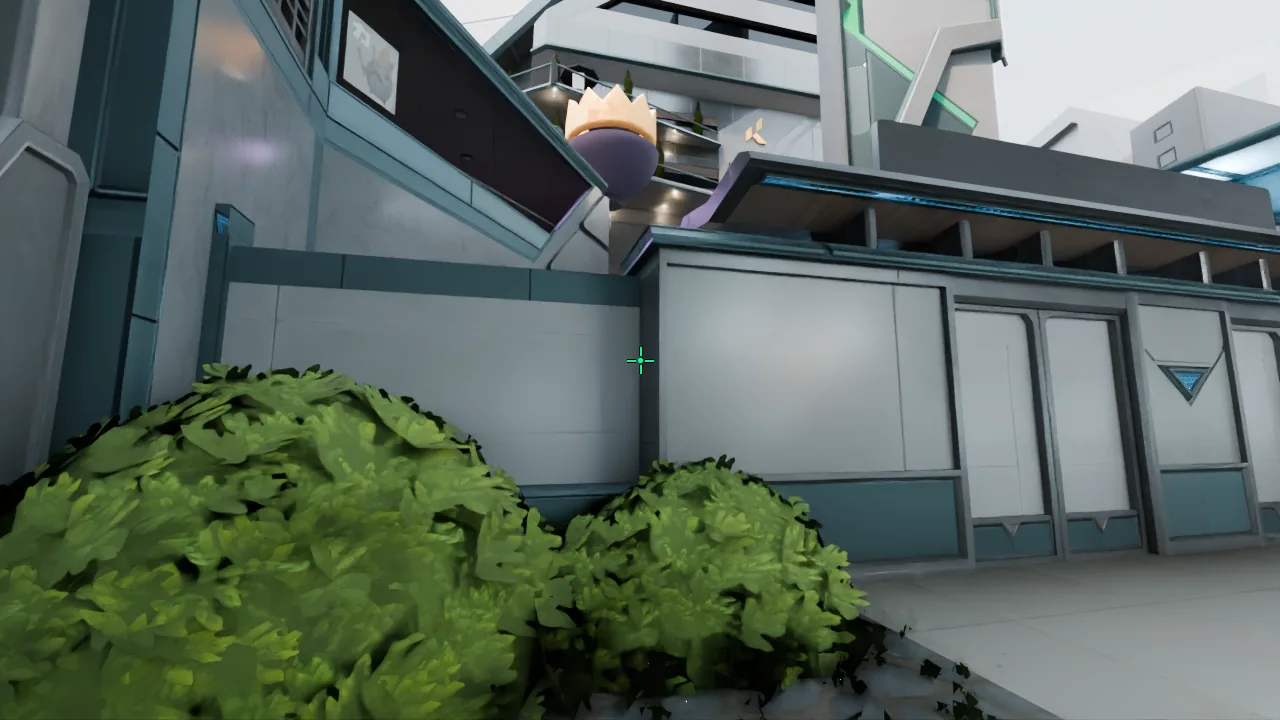
1. A Default · Storm SurgeClose 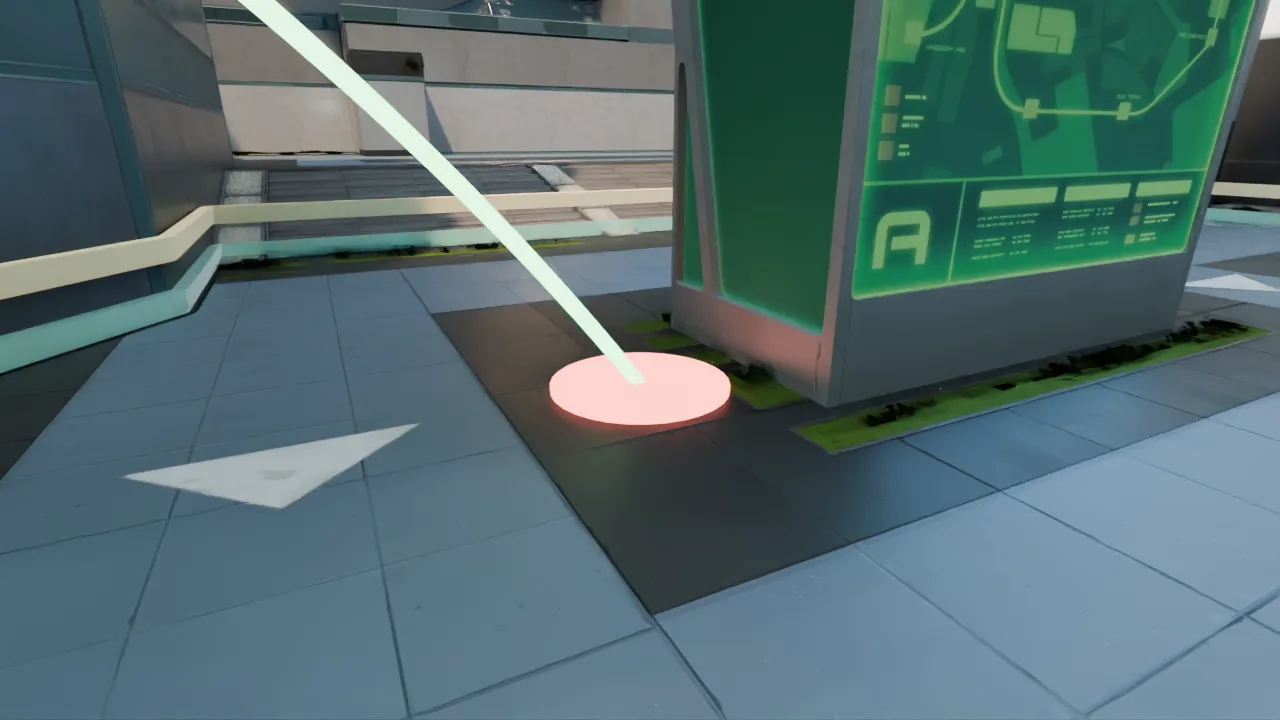
1. A Default · Storm SurgeClose 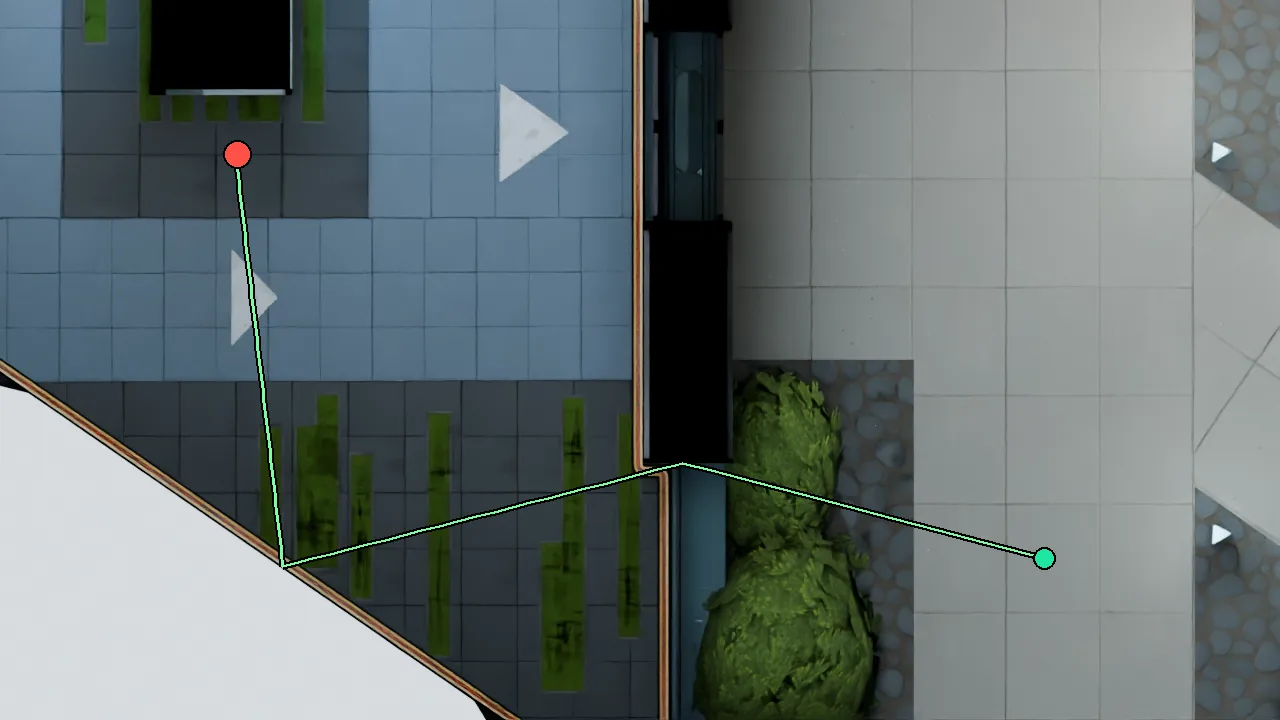
1. A Default · Storm SurgeClose A Site near Back
Storm Surge · from A Site
- StandStand at A Site on the spot shown in the standing screenshot.
- AimAim 9° down and match your crosshair to the aim screenshot.
- ThrowLeft-click to throw Storm Surge overhand.
- LandIt bounces once and lands on A Site near Back.
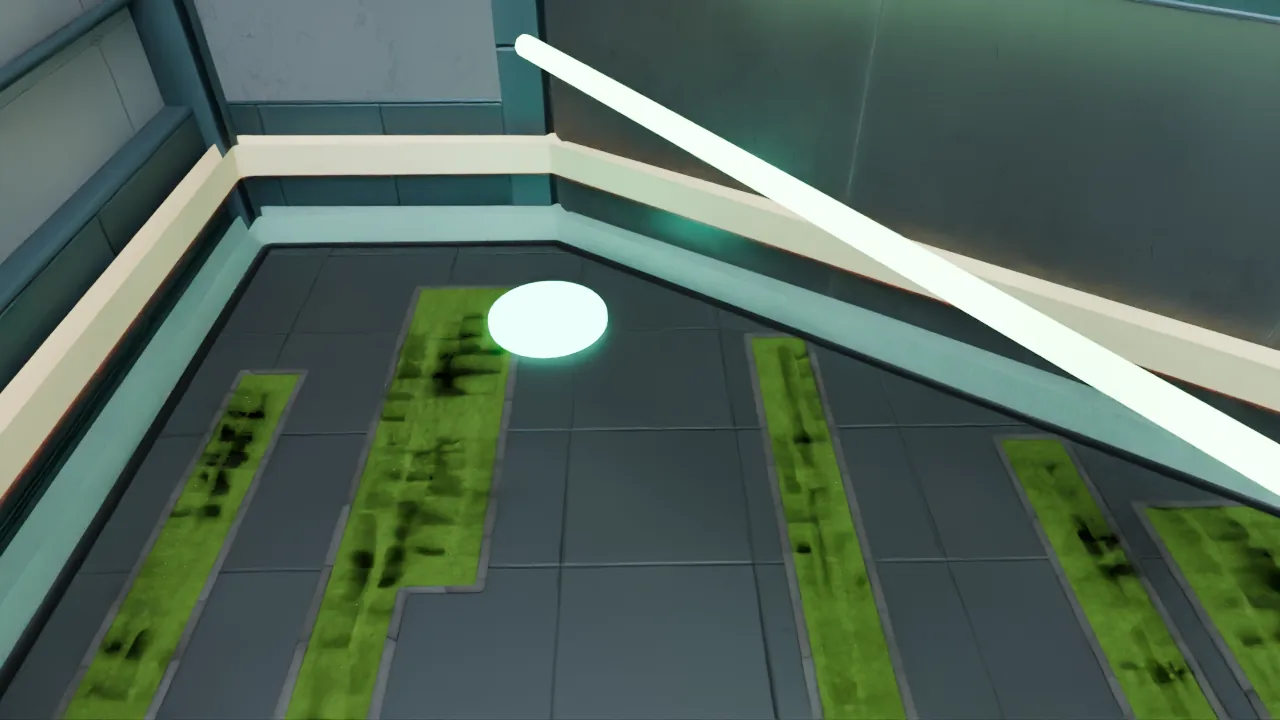
2. A Site near Back · Storm SurgeClose 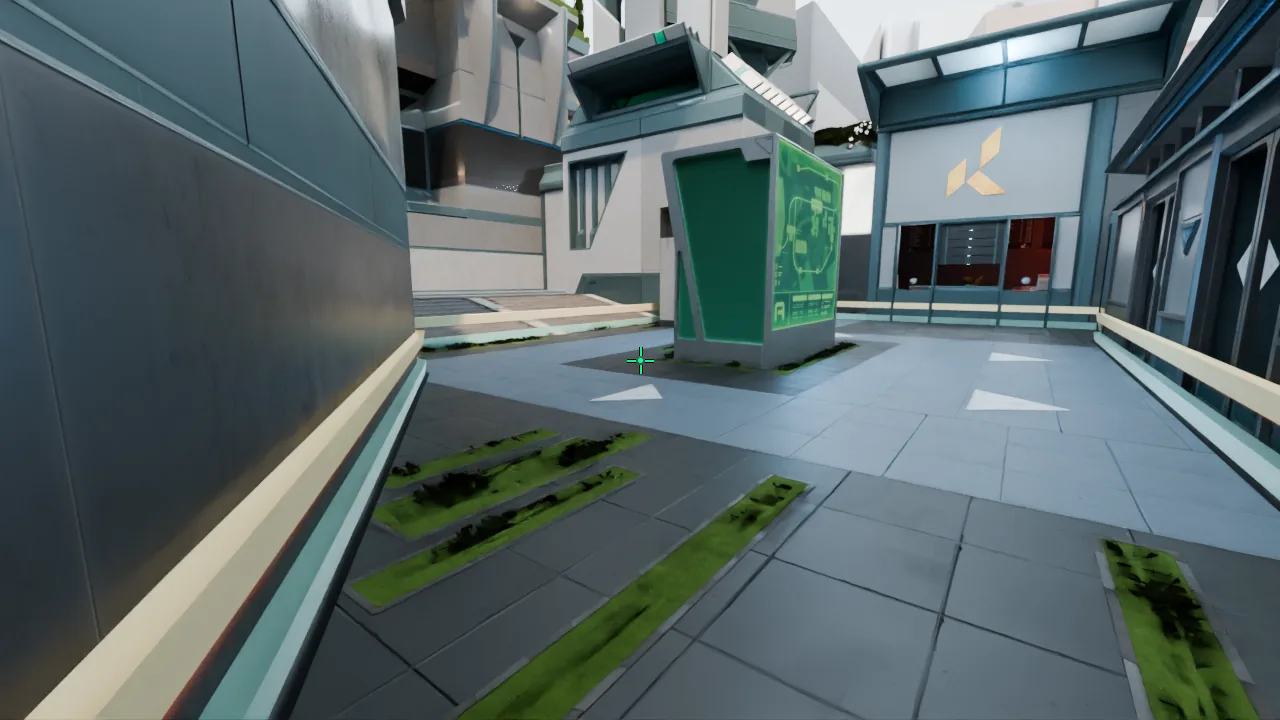
2. A Site near Back · Storm SurgeClose 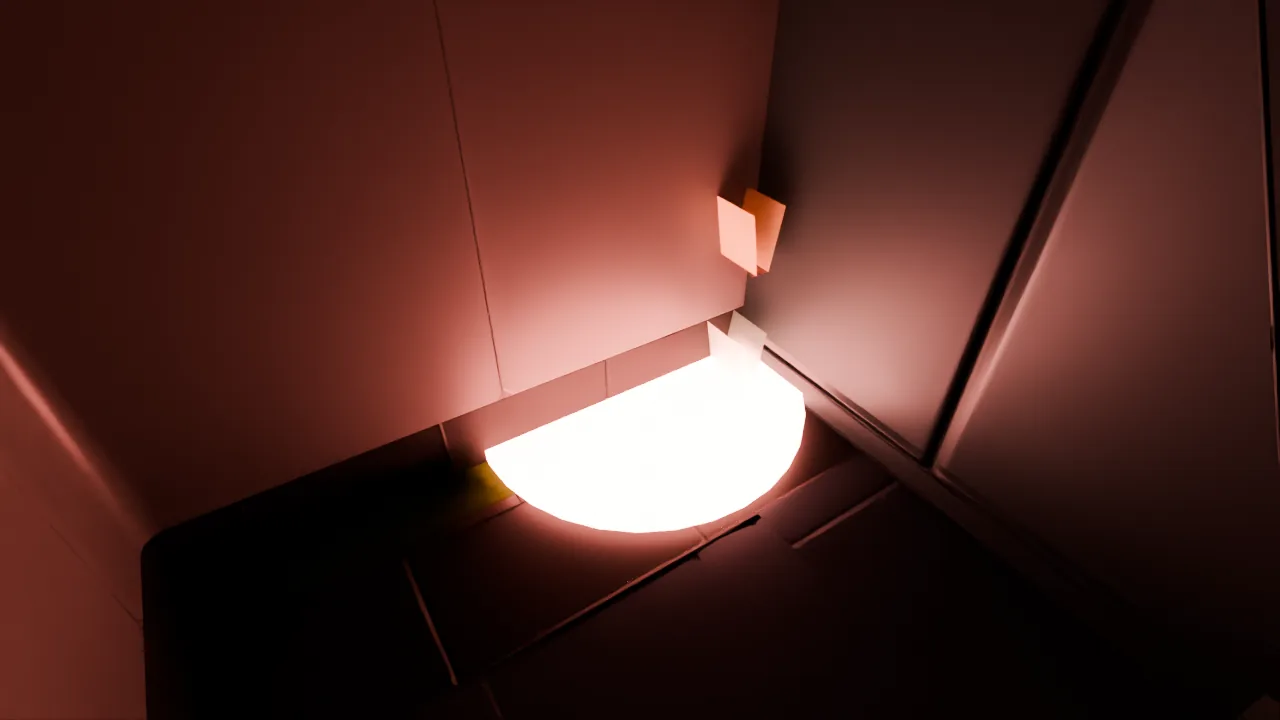
2. A Site near Back · Storm SurgeClose 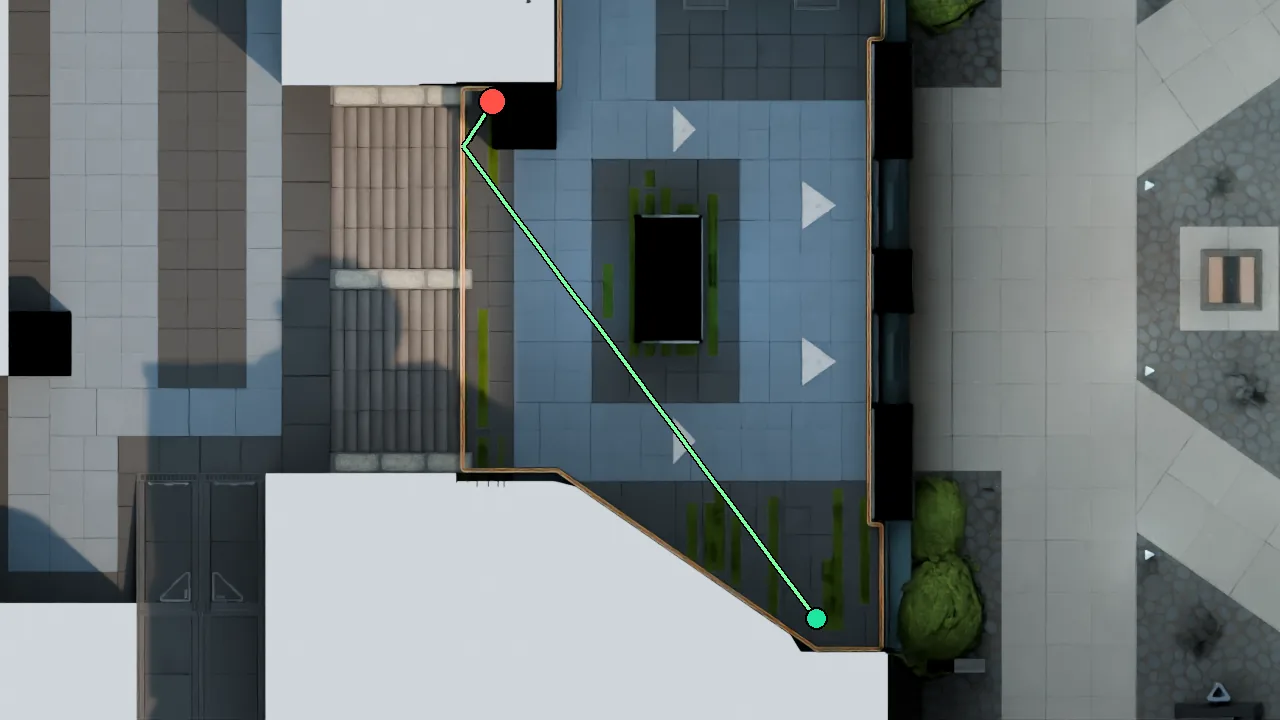
2. A Site near Back · Storm SurgeClose A Default
Storm Surge · from A Back
- StandStand at A Back on the spot shown in the standing screenshot.
- AimAim 5° down and match your crosshair to the aim screenshot.
- ThrowLeft-click to throw Storm Surge overhand.
- LandIt bounces twice and lands on A Default.
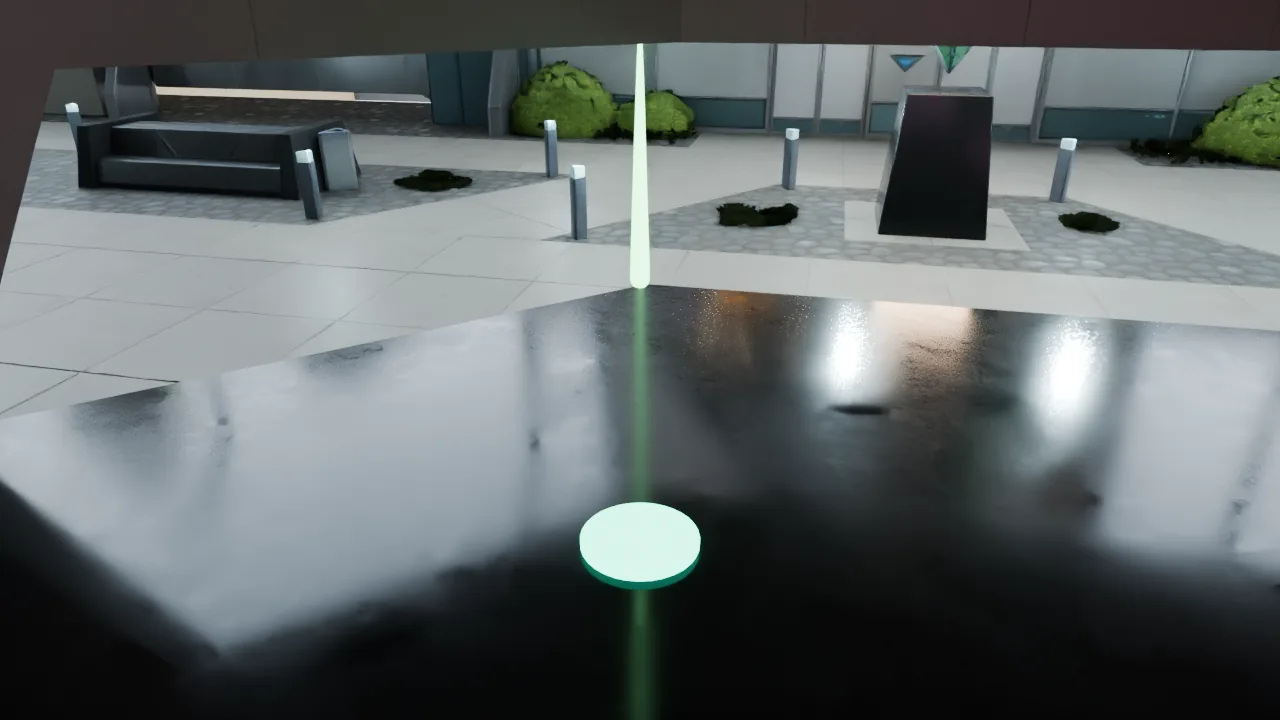
3. A Default · Storm SurgeClose 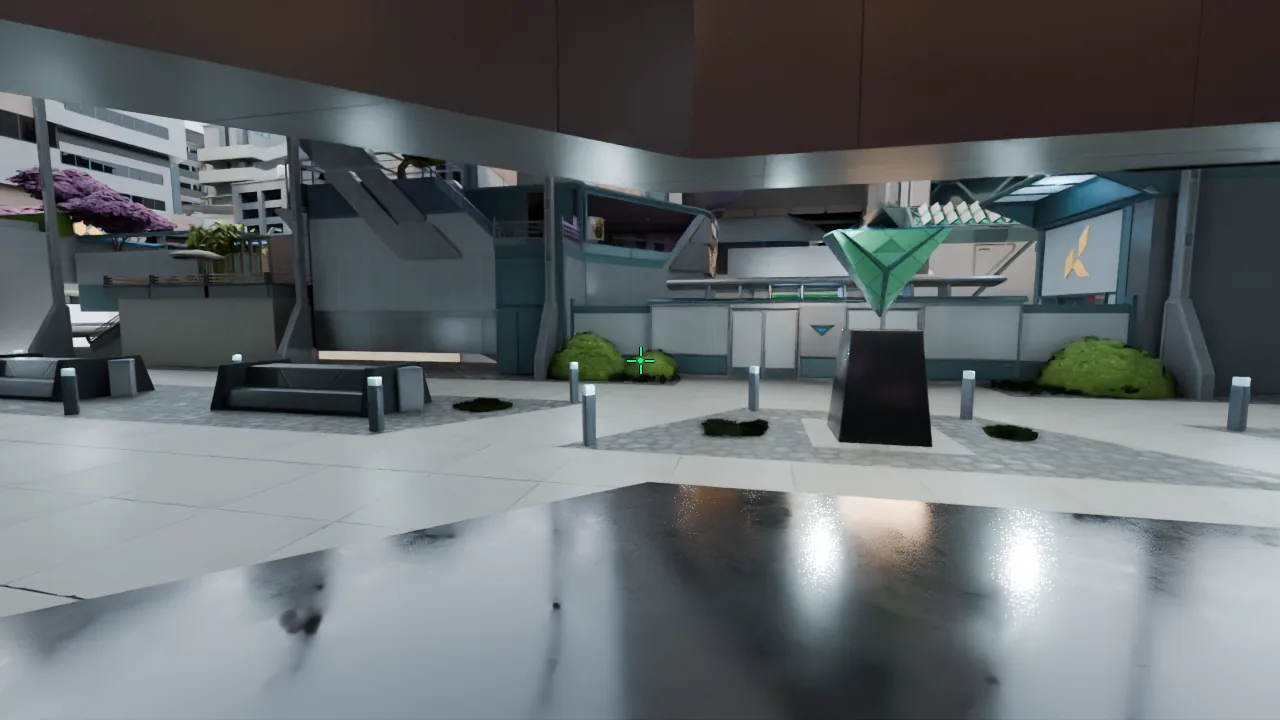
3. A Default · Storm SurgeClose 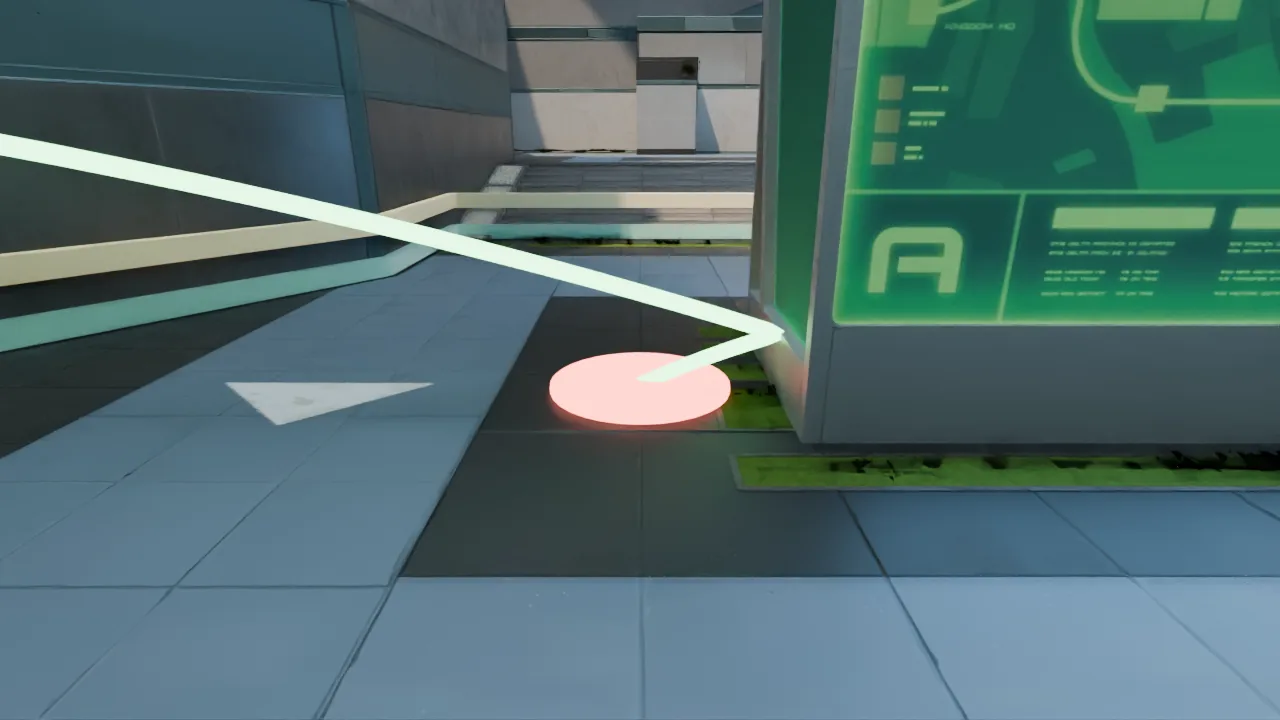
3. A Default · Storm SurgeClose 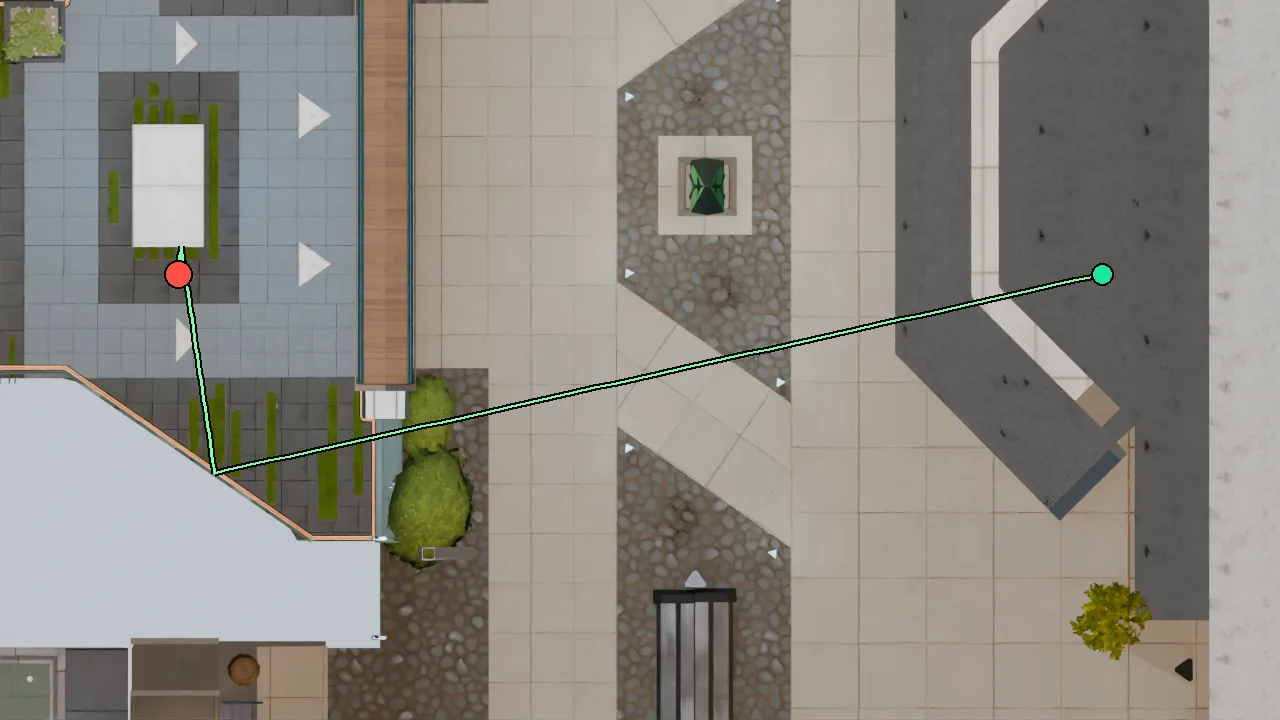
3. A Default · Storm SurgeClose A Site near Back
Storm Surge · from A Site
- StandStand at A Site on the spot shown in the standing screenshot.
- AimAim 54° up and match your crosshair to the aim screenshot.
- ThrowLeft-click to throw Storm Surge overhand.
- LandIt bounces twice and lands on A Site near Back.

4. A Site near Back · Storm SurgeClose 
4. A Site near Back · Storm SurgeClose 
4. A Site near Back · Storm SurgeClose 
4. A Site near Back · Storm SurgeClose
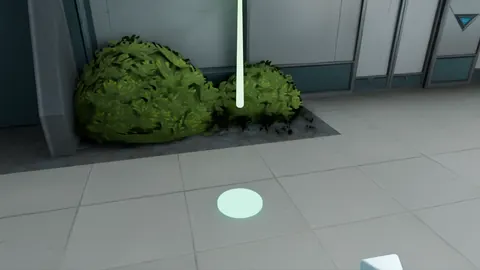
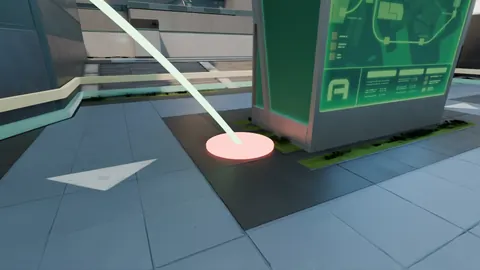
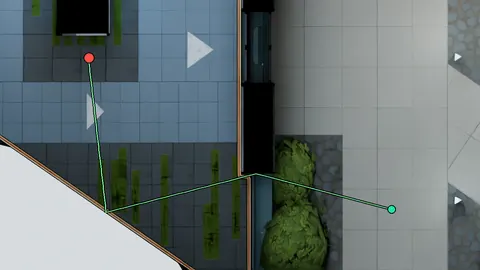





B Site Lineups
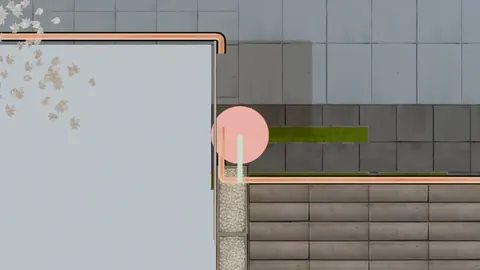
3 Harbor lineups for Split's B site: 2 from the attacking side and 1 from the defending side. Numbers on the minimap match the cards below.
B Site near Rafters
Storm Surge · from B Rafters
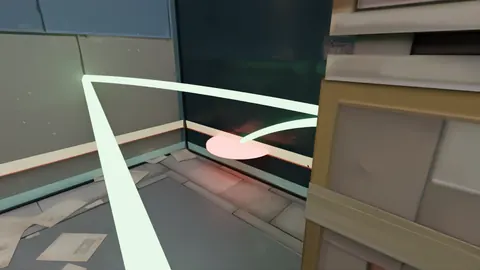
- StandStand at B Rafters on the spot shown in the standing screenshot.
- AimAim 2° down and match your crosshair to the aim screenshot.
- ThrowLeft-click to throw Storm Surge overhand.
- LandIt bounces twice and lands on B Site near Rafters.

5. B Site near Rafters · Storm SurgeClose 
5. B Site near Rafters · Storm SurgeClose 
5. B Site near Rafters · Storm SurgeClose 
5. B Site near Rafters · Storm SurgeClose B Default
Storm Surge · from B Back
- StandStand at B Back on the spot shown in the standing screenshot.
- AimAim 9° down and match your crosshair to the aim screenshot.
- ThrowLeft-click to throw Storm Surge overhand.
- LandIt bounces once and lands on B Default.

6. B Default · Storm SurgeClose 
6. B Default · Storm SurgeClose 
6. B Default · Storm SurgeClose 
6. B Default · Storm SurgeClose B Default
Storm Surge · from B Garage
- StandStand at B Garage on the spot shown in the standing screenshot.
- AimAim 6° down and match your crosshair to the aim screenshot.
- ThrowLeft-click to throw Storm Surge overhand.
- LandIt bounces twice and lands on B Default.

7. B Default · Storm SurgeClose 
7. B Default · Storm SurgeClose 
7. B Default · Storm SurgeClose 
7. B Default · Storm SurgeClose



Get the Winning Edge
Real-time overlays, automatic match tracking, and exclusive tools — everything you need to climb, free on your PC.
- In-game overlays
- Automatic match tracking
- Desktop-exclusive tools
Help us maintain accuracy! If you notice incorrect stats, missing data, or any issues, your feedback directly improves the quality of our data for the entire community.
Harbor Lineups on Split FAQ - Patch 13.10
What is the best Harbor lineup on Split?
The most reliable Harbor lineup on Split is A Site near Back · Storm Surge, thrown from A Site. It is a easy attack lineup that still lands on target when your aim is slightly off.
Are there Harbor post-plant lineups on Split?
Yes. There are 4 Harbor post-plant lineups on Split for the A, B site(s), thrown from cover on the attacking side onto the plant spot.
Are there Harbor retake lineups on Split?
Yes. 3 Harbor lineups on Split are thrown from the defending side to deny a defuse or clear the spike on the A, B site(s).
Which Harbor abilities have lineups on Split?
Harbor has 7 lineups on Split using Storm Surge. Each one shows where to stand, where to put your crosshair and exactly where the ability lands.
Are there easy Harbor lineups on Split?
1 of the Harbor lineups on Split are rated easy: short throws with no bounces or a single bounce that forgive small aiming errors. Use the difficulty badge on each card to find them.
Do these Harbor lineups work on Split in patch 13.10?
Every lineup on this page was generated from Split's current map geometry and Harbor's ability physics for patch 13.10.